Secure passwordsAll in one place
Store passwords, secure notes, credit cards, and contacts with zero-knowledge encryption.
From passwords to cards, notes, and contacts, Vault App keeps your credentials effortless to use and impossible for anyone else to open.

The way a password manager should work
End-to-end encryption
Secured with AES-256-GCM encryption, the standard for protecting sensitive data.
Zero-knowledge
Only you can decrypt your credentials. Your master password stays under your control.
Password generator
Create strong, unique passwords instantly with built-in tools.
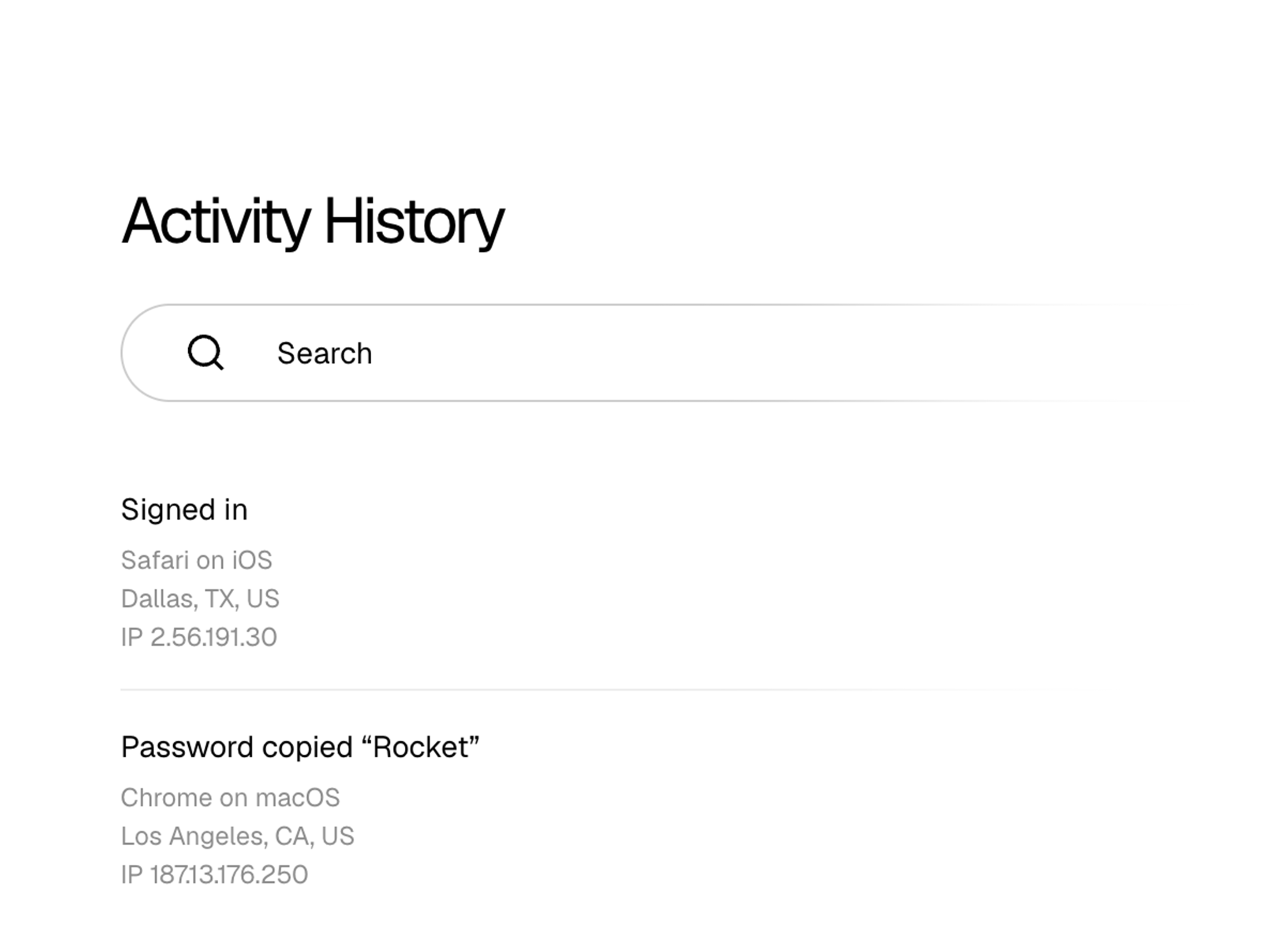
Advanced activity log
Every sign-in, item change, and trusted device is recorded in one audit trail. Review unusual access with clarity without giving up encryption or control.
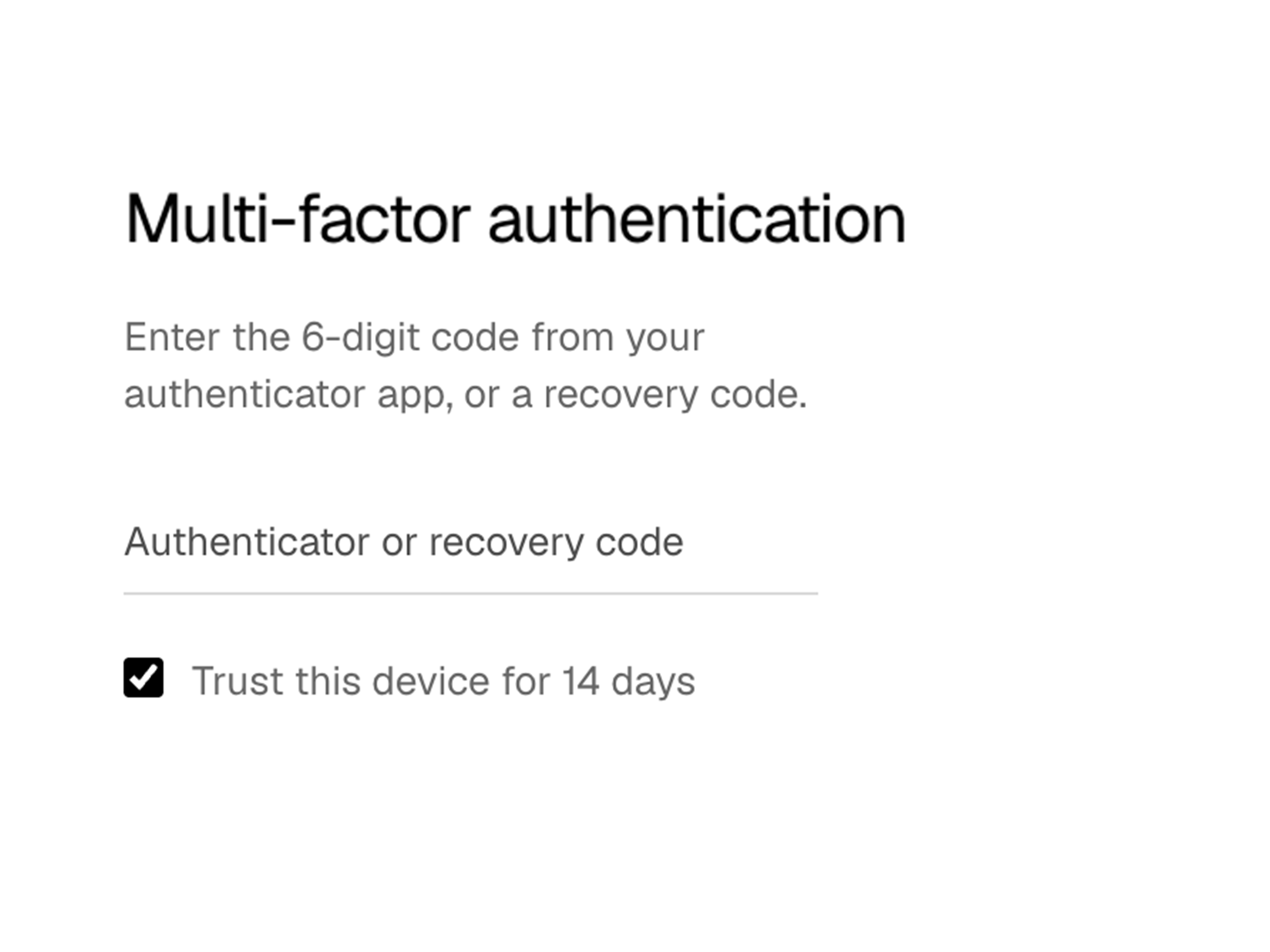
Multi-factor authentication
Require a 6-digit code from your authenticator app each time you sign in. A stolen password is not enough, and the service still cannot decrypt your vault.
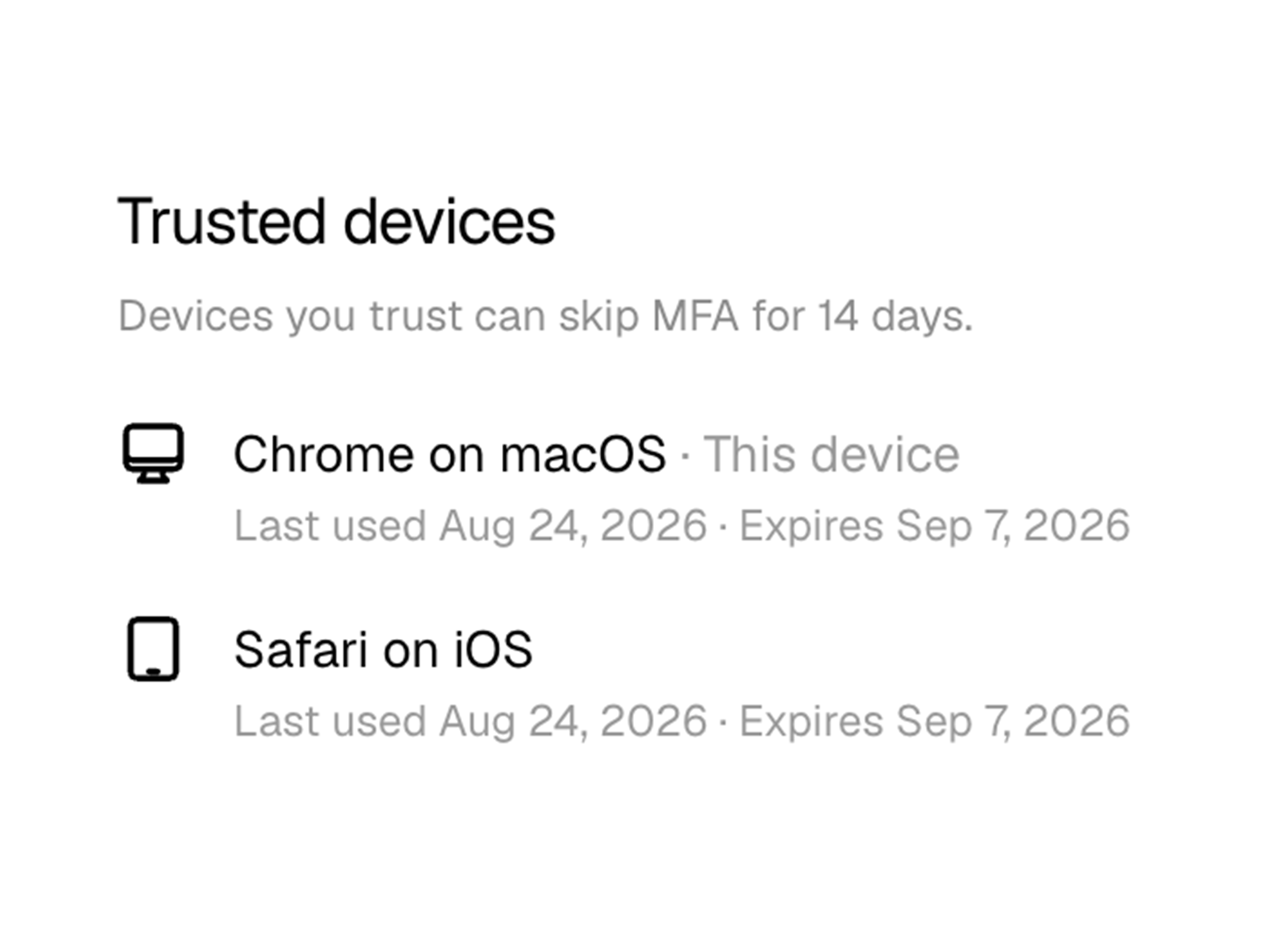
Trusted devices
Approve the devices you use to unlock your vault, then review or revoke them from one place. Keep access limited to hardware you actually trust.
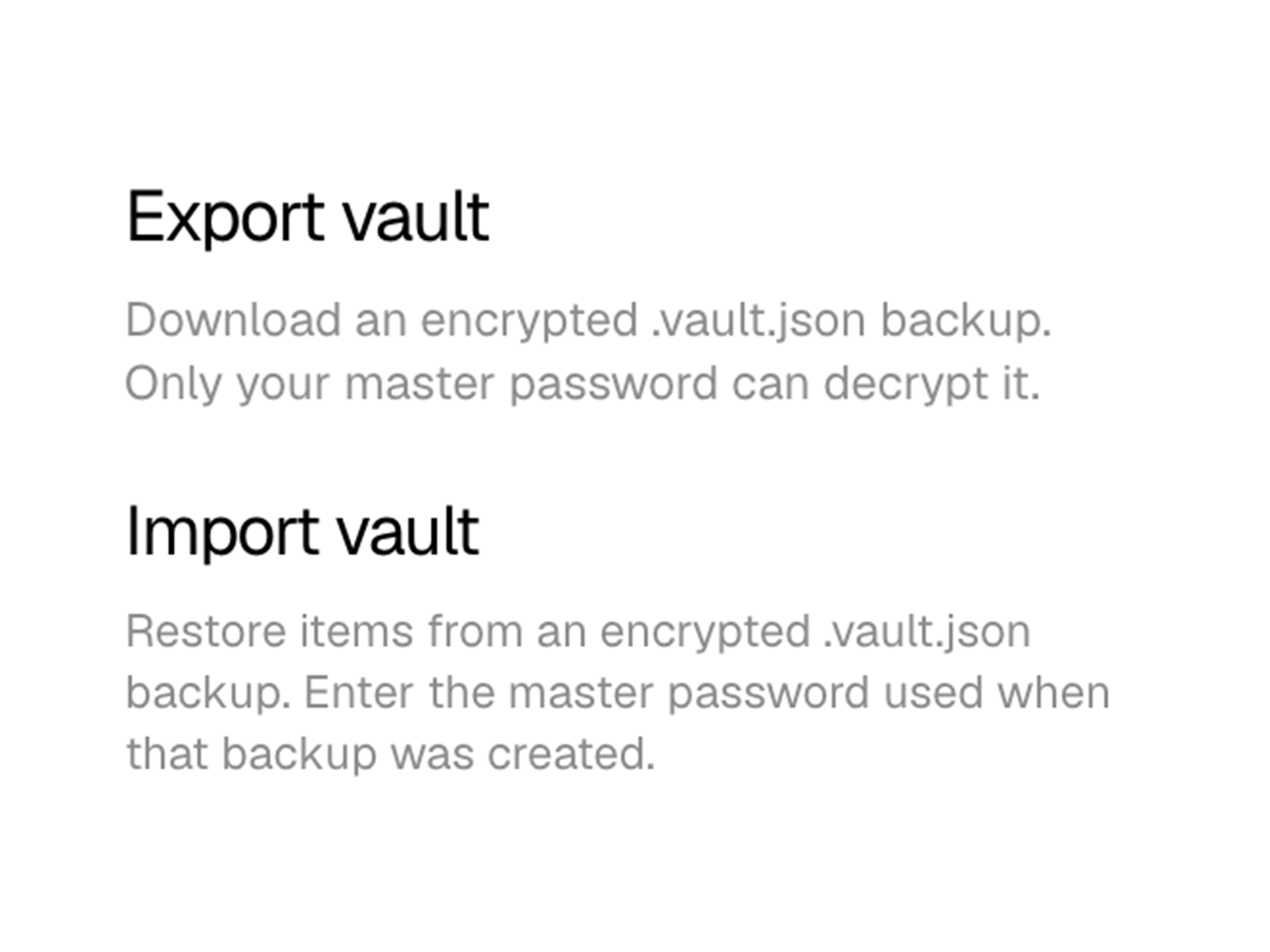
Encrypted export & import
Download or restore your vault as encrypted data you control. The service never gets a readable copy of your passwords, notes, cards, or contacts.
FAQ
Vault items are encrypted on your device with AES-256-GCM before they are stored or synced. Encryption keys are derived from your master password, which is never stored in a recoverable form. Only you can unlock passwords, secure notes, credit cards, and contacts.
It means Vault App never has the material required to decrypt your vault. Encryption happens locally; the service stores ciphertext. Vault contents cannot be viewed, accessed, or recovered by anyone else — including Vault App.
Generate a recovery code in Settings while you still know your master password, and keep it somewhere safe. If you forget the password later, enter that code on the sign-in screen to set a new one and keep your vault. The service never sees the code or the password in a recoverable form. If you do not have a recovery code, you can reset your vault from sign-in: you keep the same account, and every vault item is permanently deleted. After you sign in again you can keep your subscription or cancel it. Nobody else can restore a forgotten master password or sealed vault data. Paid billing can also be canceled through Stripe receipt or invoice emails if you cannot sign in yet.
Passwords and usernames, website addresses, secure notes, credit cards — including cardholder name, number, expiration, and CVV — and contacts with names, emails, phone numbers, and addresses. Everything uses the same end-to-end encryption and zero-knowledge architecture.
Enterprise accounts can download an encrypted backup and restore it later. Only the master password used when the backup was created can decrypt it. The service never gets a readable copy of your passwords, notes, cards, or contacts.
You can require a 6-digit code from an authenticator app each time you sign in. MFA protects account access. It does not give the service a way to decrypt your vault. A stolen username is not enough, and Vault App still cannot read your items.